Play Mode
Play Mode is where you test and preview your project in real time.
Once you’ve added a few StoryTiles or adjusted your settings, Play Mode instantly builds and launches your project for testing — no exporting required.
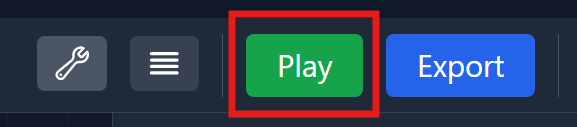
To get started, press the big green Play button on the top toolbar.
This will open a new preview window, allowing you to experience your project exactly as users will see it.
What you see is exactly what you’ll get in the final exported version.
Pressing Play runs your project as the end user would experience it, allowing you to test flow, visuals, and timing seamlessly.
The process is nearly instantaneous.
Play From Here
Sometimes it’s useful to start Play Mode from a specific StoryTile.
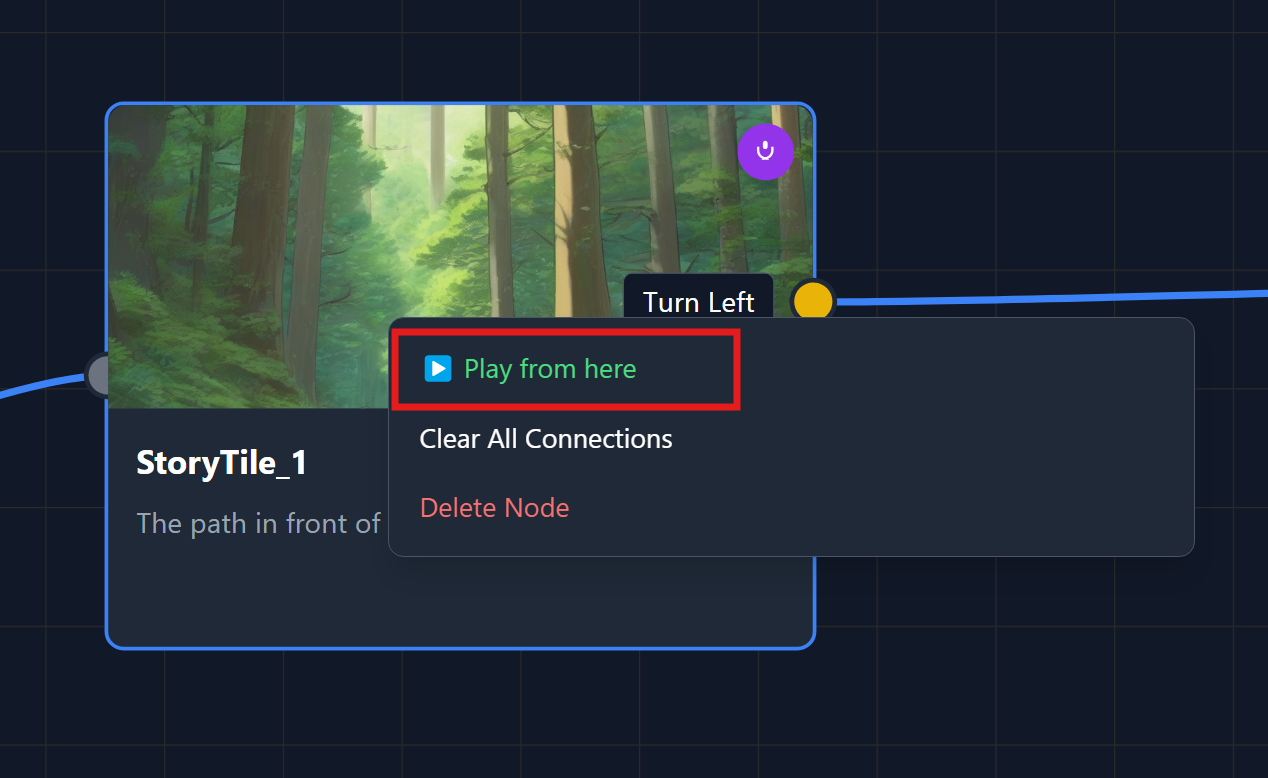
To do this, simply right-click on the StoryTile you want to test and select “Play from Here.”
This will automatically launch Play Mode, beginning as if you had already reached that point in your story.
Keep in mind that doing so will skip all previous StoryTiles, including any inventory items or state changes that would normally have occurred before it.
ViZual™ and Singular Echo™ are trademarks of Singular Echo Inc.