The Grid View
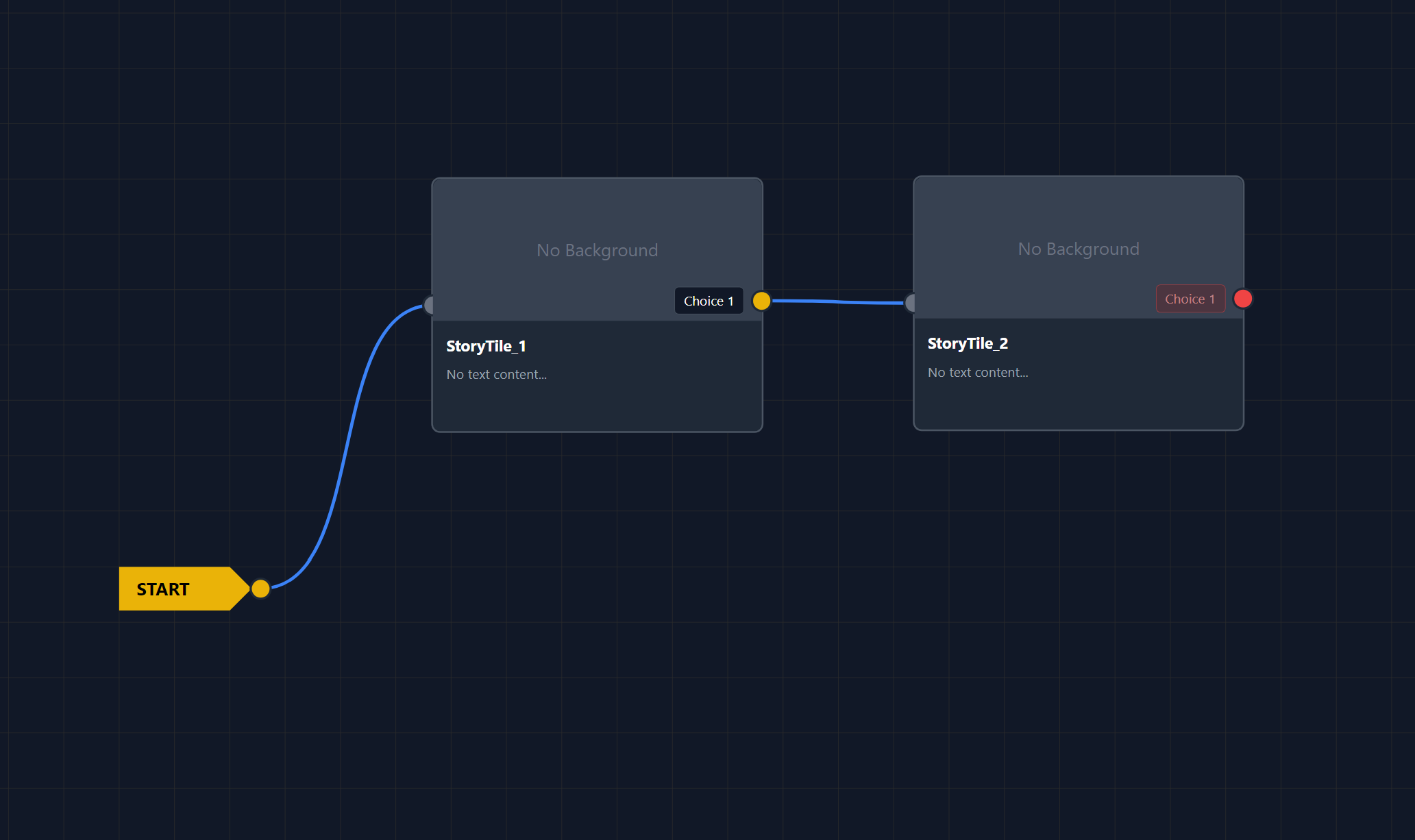
The Grid View is the central workspace of your project.
It displays all your StoryTiles and their connections, giving you a clear overview of your narrative flow and branching choices.
Navigation
To navigate it you can use these controls :
Pan: Press middle mouse button to pan around
Zoom : Mouse wheel allows you to zoom in and out
Working With StoryTiles
StoryTiles are the core building blocks of your project.
Think of each one as a step in your story : a self-contained scene that can include text, background, video, music, or audio, and ends with one or more choices leading to the next part of the narrative.
For more detailed information, please refer to the StoryTile documentation pages.
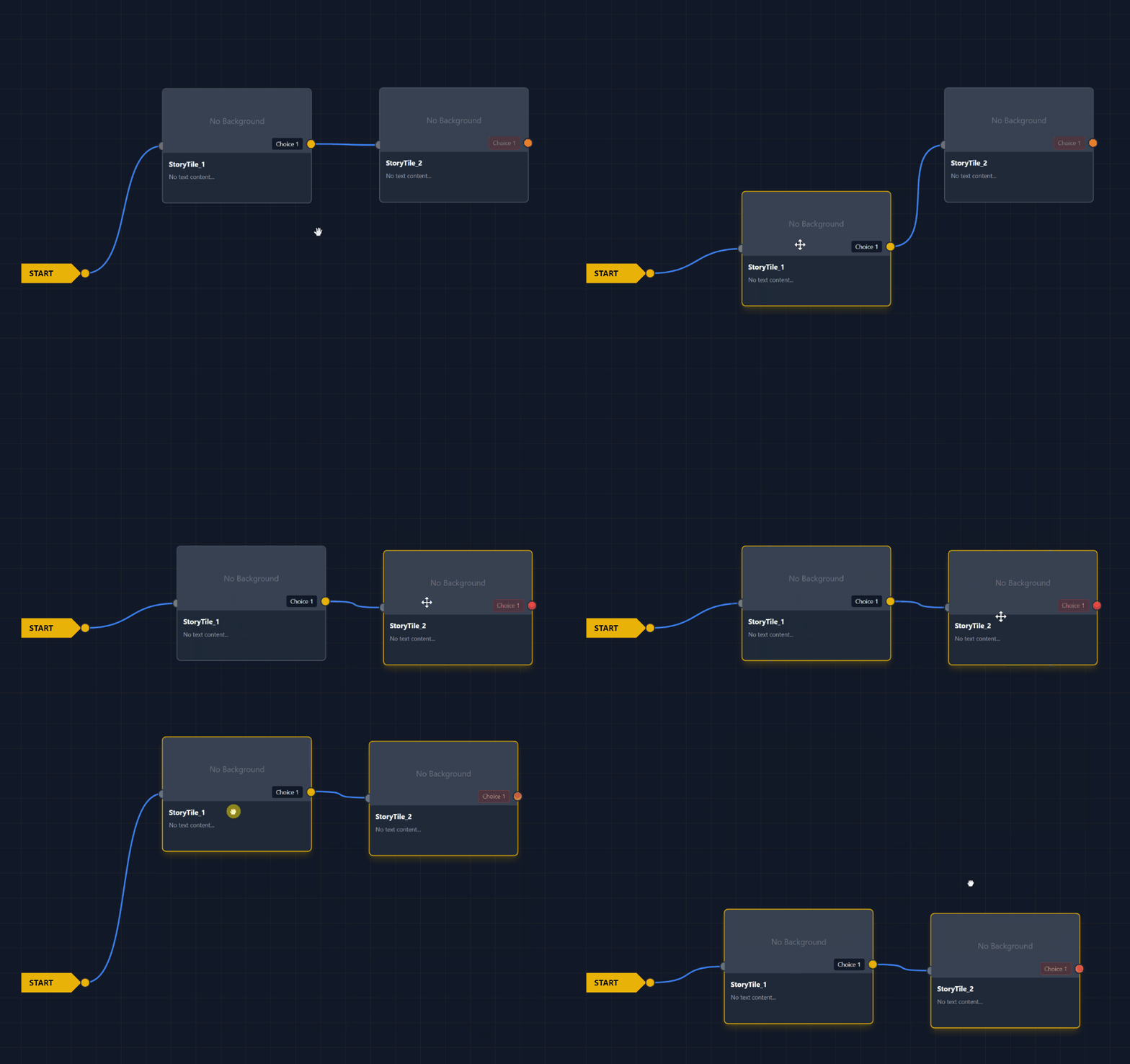
Selection : The Left Mouse Button allows you to select a single StoryTile with a click,
or click and drag to create a rectangular selection that selects multiple StoryTiles at once.
Moving StoryTiles : To move StoryTiles, select them (either one or more) and then press and hold your left mouse button and move around.
Additionally, you can use Ctrl-C an Ctrl-V to copy paste selected StoryTiles.
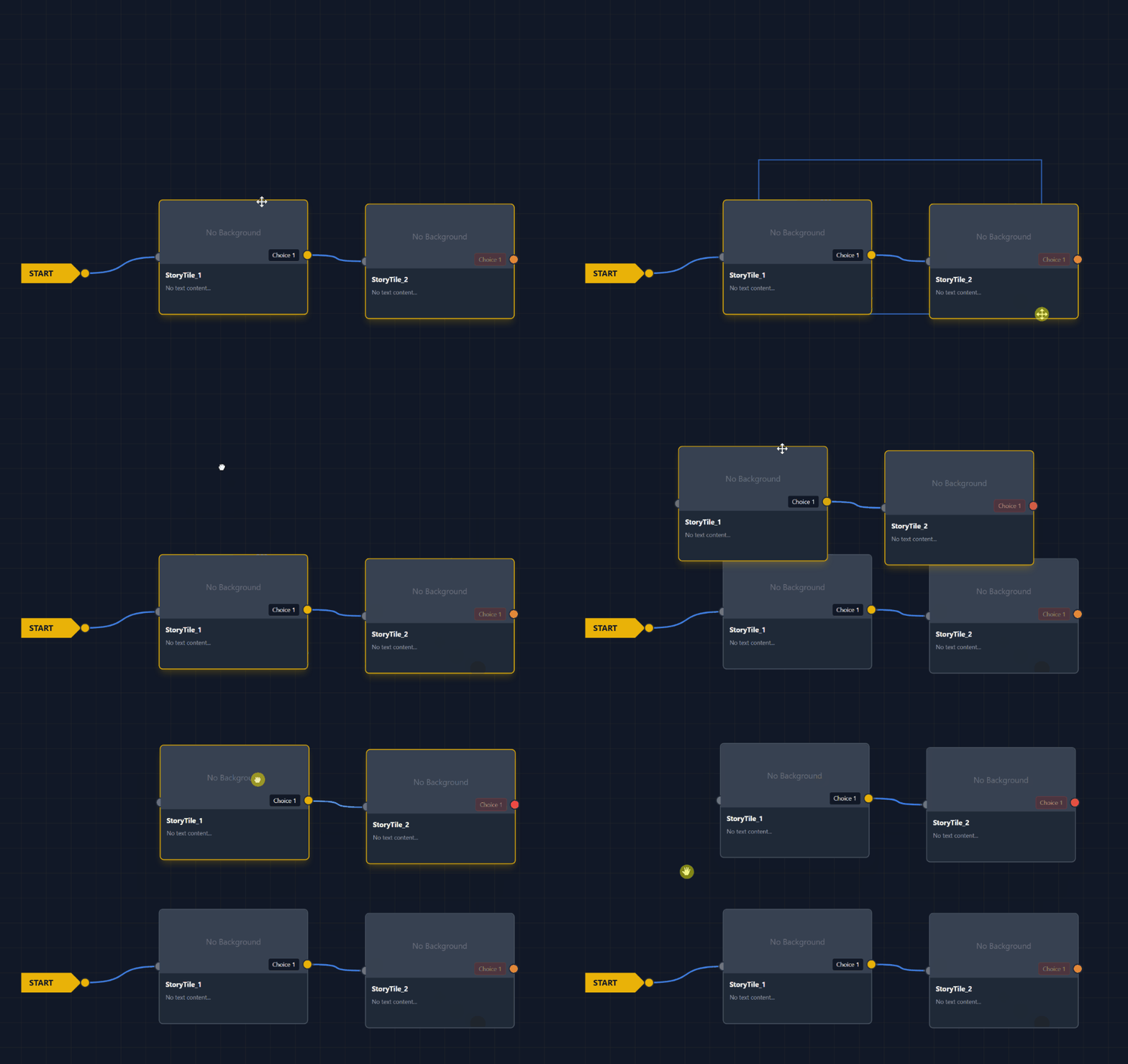
Copy/Paste can also be done via the button on the top toolbar.

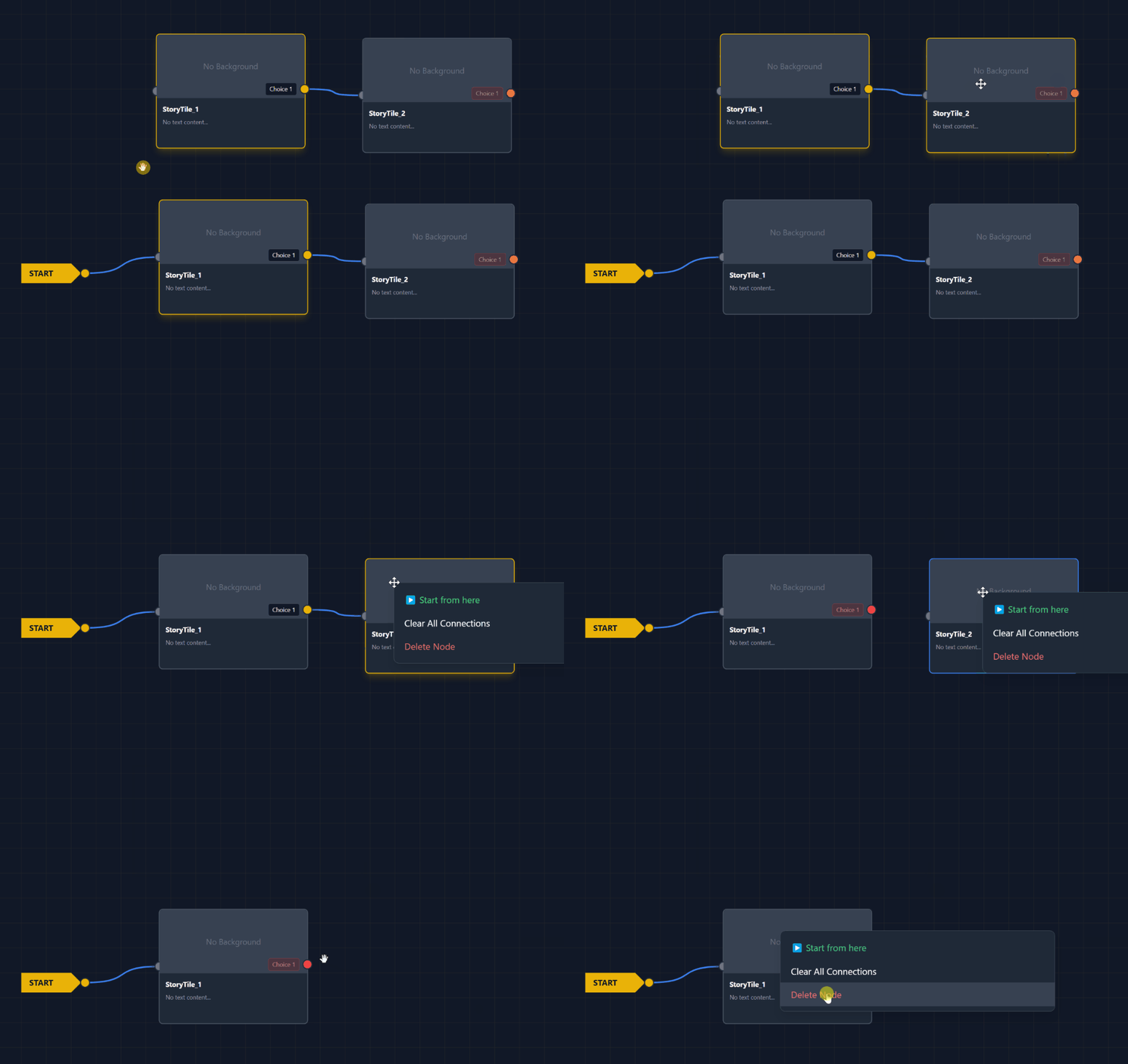
To delete a StoryTile. Simply press your Delete key on your keyboard or Right Click on a selected StoryTile to show the menu and select Delete.
The Right Click Menu also allow to break all connections to a StoryTile.
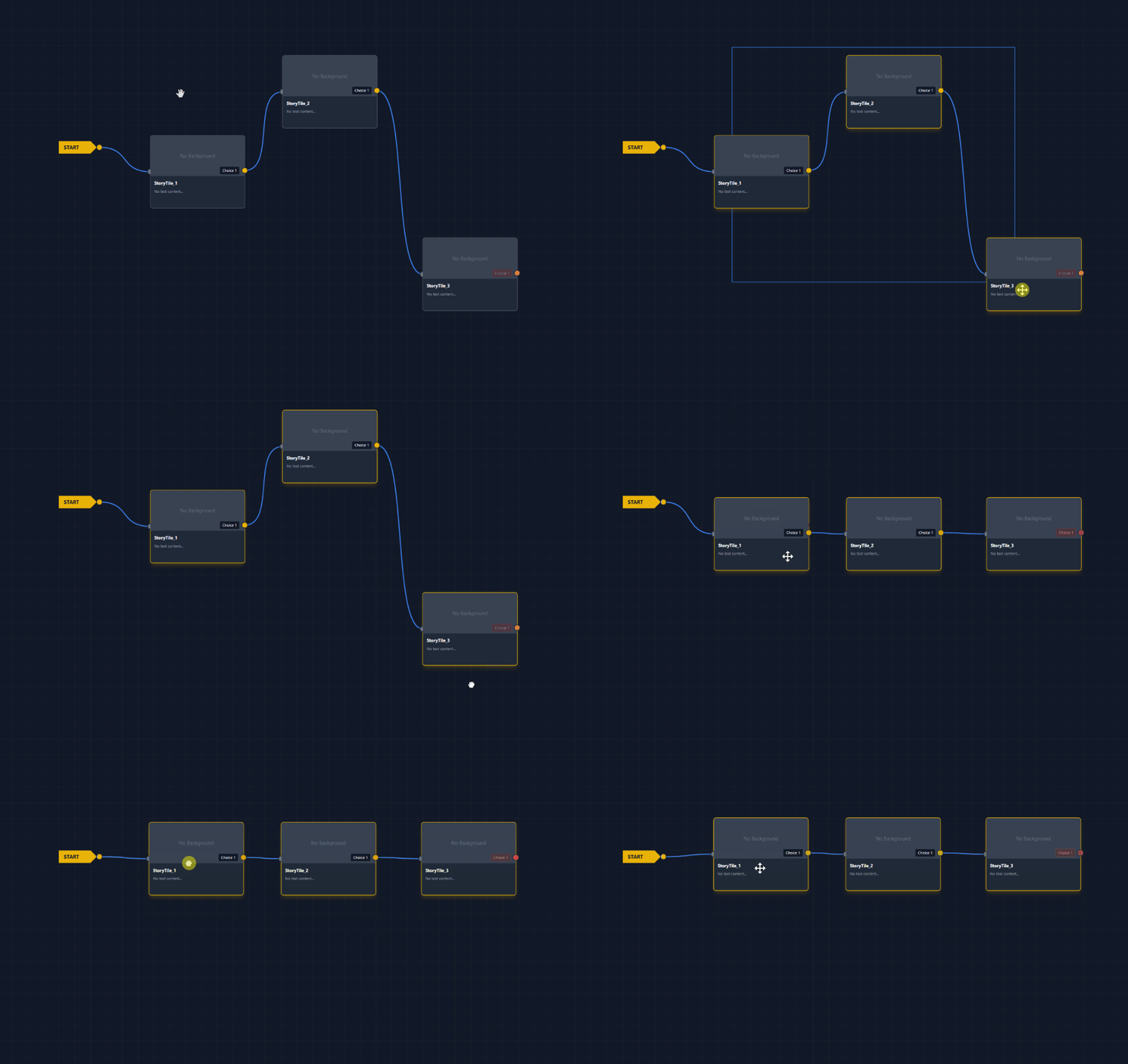
Finally, selecting two or mode StoryTiles and pressing Q on your keyboard will aligned them vertically.
ViZual™ and Singular Echo™ are trademarks of Singular Echo Inc.